


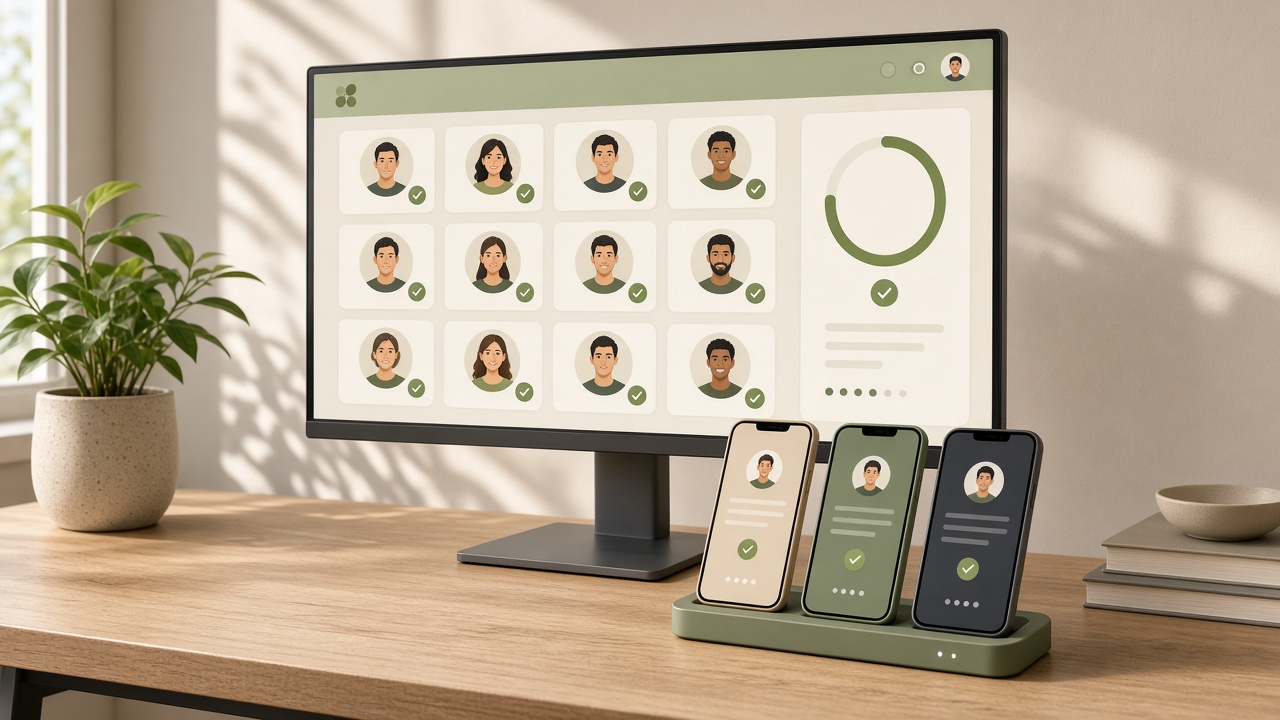
The four tracks at a glance
| Track | Tester scale | Who can join | Full review? | Typical use |
|---|---|---|---|---|
| Internal | Up to roughly 100 | Emails you list | Usually quick | Daily team verification |
| Closed | Invite or group | Invited people | Yes | External QA, 12×14 requirement |
| Open | Unlimited | Anyone via link or store | Yes | Public beta, broad feedback |
| Production | All users | All users in selected countries | Yes | Official release |
Limits and review times change, so use the Console's current description. The point is the order: test tracks let you validate builds without affecting production users.
Internal testing: for your own team
Internal builds usually reach testers quickly, ideal for frequent validation. It is also the fastest way to learn whether an upload passes checks for target API, signing, permissions and 64-bit libraries.
Send the first AAB of a new app to internal testing even if external users are not ready. You eliminate most technical issues without spending the closed-test window.
Also useful in this topic cluster:
Closed testing: external QA and the new-account bar
Closed tracks restrict participants via email lists or Google Groups. For personal accounts created after 13 November 2023 this is where you satisfy the 12-testers-for-14-days requirement; without it you cannot request production access.
Even without that rule, closed tracks suit customer or partner acceptance testing. Multiple closed tracks can coexist for different groups. See the closed testing guide.
Open testing: public beta
Anyone can join an open test and the store page shows a join option. Use it when the product is fairly stable and you want large-scale real-world feedback. The app is publicly visible, so the listing, privacy policy and data safety form must be ready.
Feedback goes to Console rather than public ratings, letting you fix issues before release. But it exposes the app to a broad audience, so it is unsuitable before compliance declarations are done.
Recommended first-release path
- Internal: confirm build, signing and warnings
- Finish App content, data safety and rating declarations
- Closed: meet tester count and days, collect feedback, iterate
- Personal new account: apply for production access; organizations can skip ahead
- Production: start with a few countries and watch crash rate and policy messages
- Use staged rollout to widen gradually
Budget the time: closed testing takes at least 14 days and the first production review needs extra days. Starting close to a marketing date rarely works.
Pre-launch reports and staged rollout
After a test upload Google runs pre-launch reports on real devices, listing crashes, accessibility and security issues. Read them: they surface device-specific problems you cannot reproduce locally.
Production supports staged rollout — release to 5% or 10% first, widen if metrics hold, halt on severe issues. Halting does not retract builds already installed, so it reduces rather than removes risk.
Related reading:
Related
Related desks