


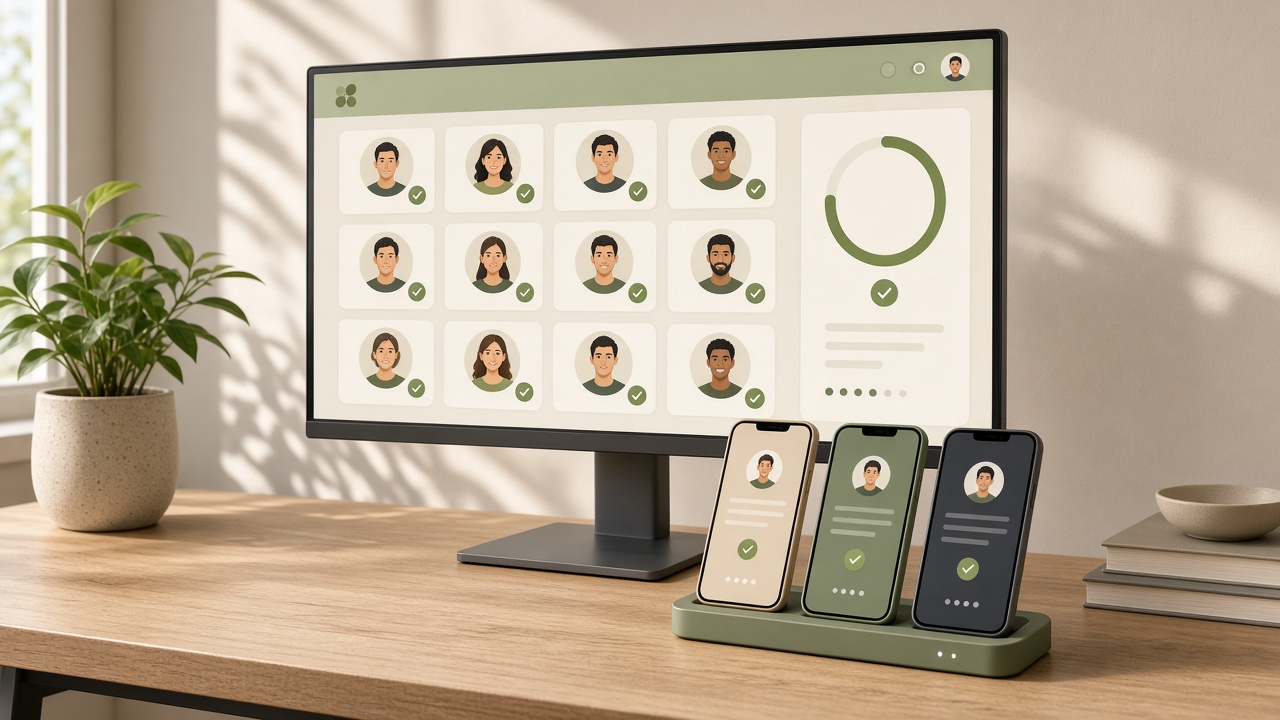
What the rule says and who it covers
Personal developer accounts created on Google Play after 13 November 2023 generally need to run a closed test first. The publicly documented bar is at least 12 testers who stay opted in for 14 consecutive days, after which the Play Console lets you apply for production access. Google has adjusted the numbers before, so confirm on the current help page.
Organization accounts and personal accounts created before that date usually fall outside the requirement. That is why account type and create date belong on every account sheet in writing.
Get the app test-ready first
Testers install and open the real build, so you need an AAB that launches, shows the core feature and does not crash. Basic store listing, a public privacy policy URL and a draft data safety form should already exist.
- Android App Bundle with Play App Signing enabled
- Target API level that meets the current requirement
- Icon, short description and screenshots in at least draft form
- Privacy policy on a public URL, not behind a login
- No fake payments, placeholder ads or policy-violating content
Also useful in this topic cluster:
Running 12 testers for 14 days
- Open Testing → Closed testing in Play Console and create a track with your AAB
- Build a tester list from emails or a Google Group for easy changes
- Share the opt-in link so testers join and install from Play
- Check that each tester used their own Google account and installed the app
- Hold at least 12 opted-in testers for 14 days; ship updates during the window
- After day 14, open the Production page and submit the access questionnaire
The goal is not twelve email addresses but twelve people who remain opted in. If someone drops out and you fall below the bar, the clock may restart, so recruit extra testers as a buffer.
Finding testers and keeping them
Friends, colleagues, developer communities and existing users are typical sources. Invite only real people who agree to try the app; bulk fake accounts risk anti-abuse systems and are not worth it.
Retention is mostly communication: explain the task and time needed, remind on day one, send a small weekly task and announce each new build. Treat testers as a feedback source and your questionnaire will contain real iteration history.
| Practice | Benefit | Watch out |
|---|---|---|
| Line up 15–20 people | Buffer for drop-outs | Collect names early |
| Manage with a Google Group | Bulk add/remove | Set group permissions correctly |
| Weekly test task | Keeps people active | Someone must maintain it |
| Ship fixes from feedback | Stronger application | Changes must be real |
Tester invite template (copy and edit)
Hi, I am testing an Android app for [app type] and need a 14-day closed test.
1. Open the opt-in link with your own Google account: [opt-in link]
2. Install and open the app from Google Play
3. Please stay opted in for 14 days and update when a new build arrives
4. I will send one small task per week; reply with any issues
No passwords or ID needed. Thank you!
Answering the production questionnaire
The form typically asks about your target users, how you recruited testers, what feedback you received, what you changed and why the app is ready. Be specific and consistent with what actually happened: tester counts, dates, issue types, fixes shipped.
If you received little feedback, say so and describe what you asked. Never invent feedback. Vague answers such as 'the app is complete' are weaker than concrete change logs.
Why applications stall
- Tester count dipped below the bar and the timer reset
- Testers were listed but never installed or opened the app
- The app looks like an empty shell with no visible iteration
- Questionnaire answers are generic or inaccurate
- Policy problems such as misleading text, no privacy policy or wrong permissions
After a rejection, fix the cited points and keep testing before reapplying. Xunda cannot promise approval or act for Google; we help buyers verify create date, account type and test status before paying.
Related reading:
Related
Related desks